ChatView
Vibe Code from your phone, from anywhere.
Chat with your Cursor or VS Code from anywhere.
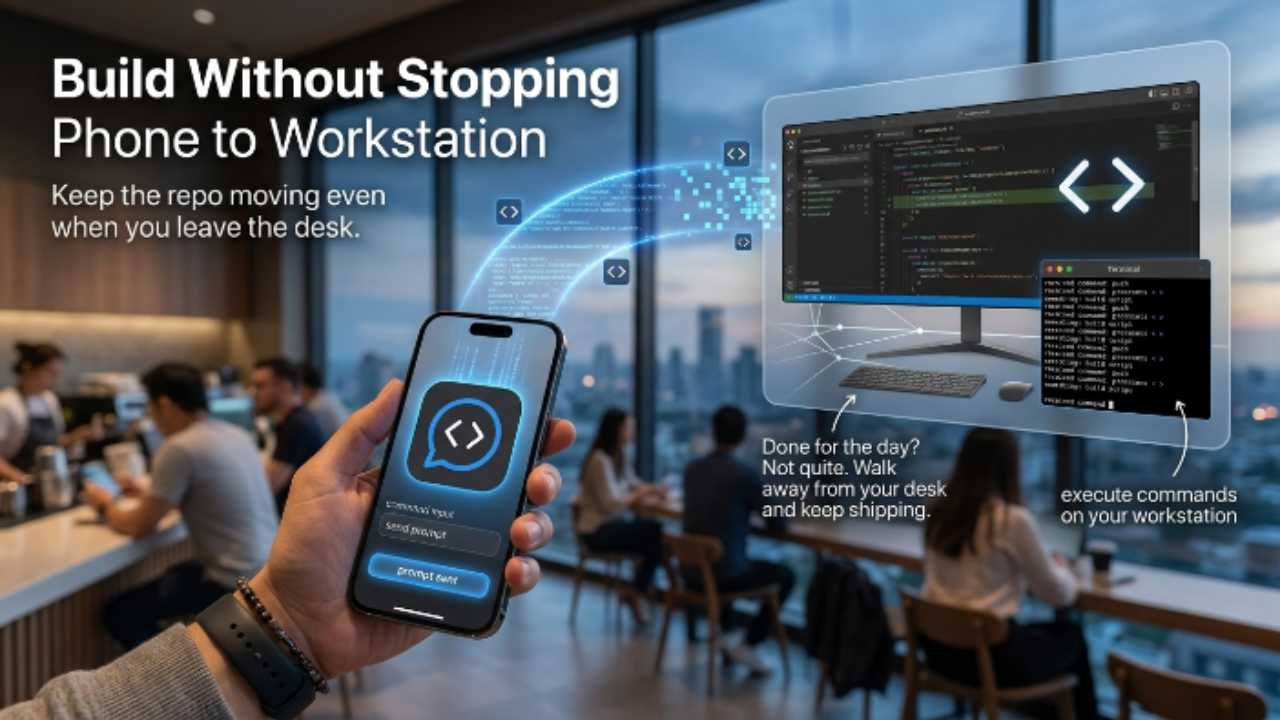
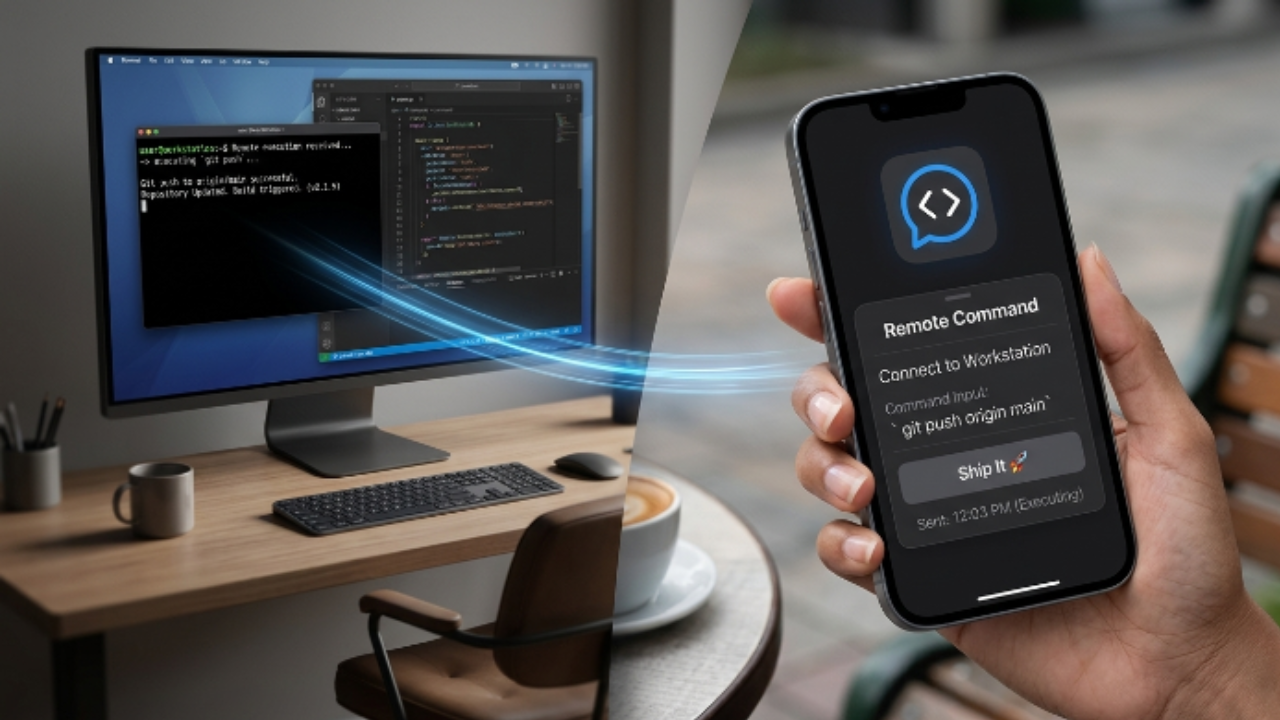
ChatView is a mobile + web companion for Cursor and VS Code. You install the VS Code extension on your laptop, scan a QR code from the ChatView mobile app, and now your phone is a remote for the coding agent running on your machine.
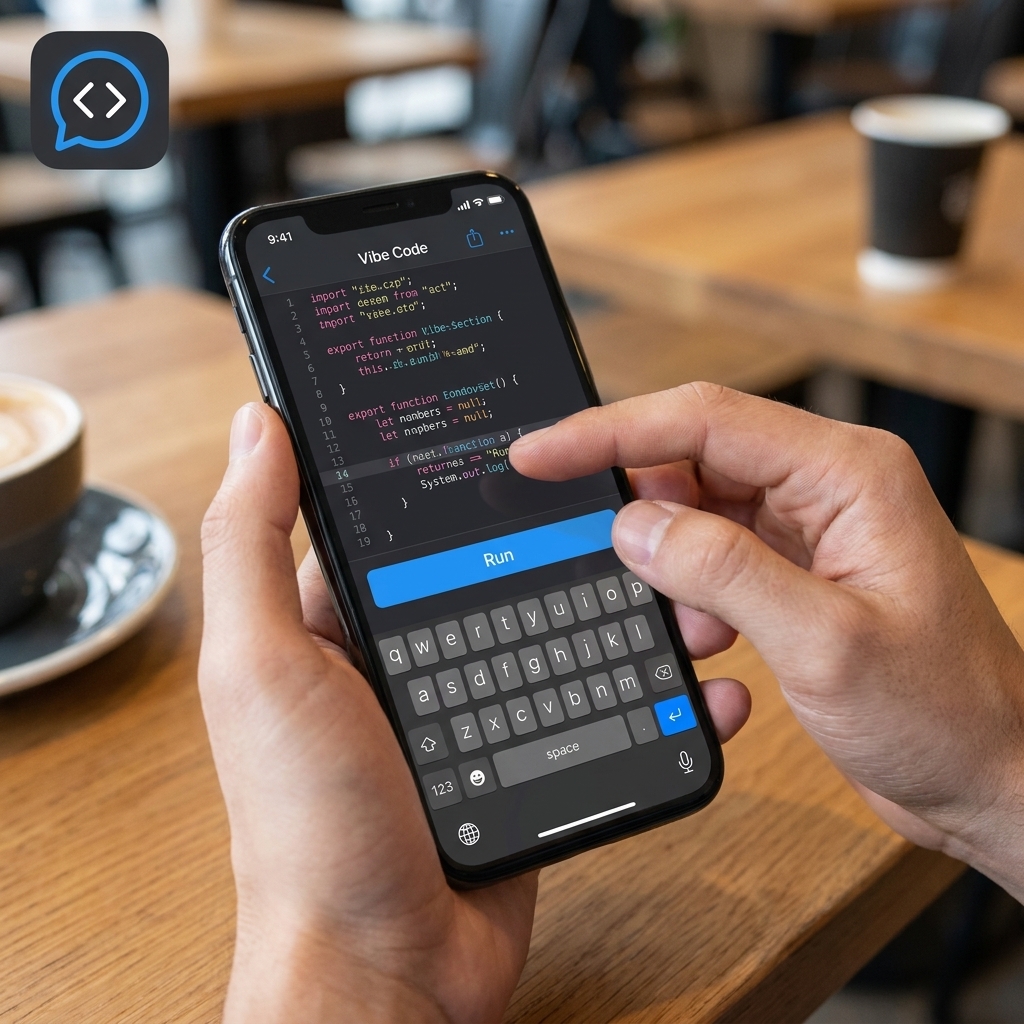
Prompt from your phone. Watch diffs render in real time. Approve or reject each edit. The agent uses whatever model you've already configured in Cursor — bring-your-own-key, no extra inference cost from us.
What it's good for:
- Triaging bugs from your phone before you sit down
- Kicking off a long refactor and walking away from the keyboard
- Reviewing AI-generated edits on the couch
- Pair-prompting with a teammate (Pro)
Plans start at $9.99/month. Higher tiers unlock multi-device pairing and team plans.
Built in public from Cape Town. Open issues, open roadmap, weekly releases.
Features
- QR pairing between phone/web and your laptop's IDE
- Streaming agent responses on mobile
- Live diff view with approve / reject per file
- Works with Cursor and VS Code
- Brings your own model config (Claude, GPT-4/5, Gemini, local)
- Multi-device pairing — phone, tablet, second laptop
- Team plan with shared sessions
- End-to-end encrypted relay (your code never sits on our servers)
- Dark mode + light mode, both designed by hand
- Plans from $9.99/month — unlimited prompts, no per-prompt billing
Use Cases
1. Couch-code-review
- Who: Senior engineers reviewing AI-generated PRs
- When: Evening, on the couch, laptop on the table
- What: Phone shows each diff one at a time, swipe-approve or reject with a comment
- Saves: PR-review-with-back-pain
2. Whiteboard-driven coding
- Who: Pair programmers, architects
- When: You're standing at a whiteboard sketching, teammate at the laptop
- What: You hold your phone, prompt the agent as the design crystallizes, agent edits land on the teammate's screen
- Saves: The "stop, walk over, type, walk back" loop
3. Demo-driving from a tablet
- Who: Tech leads in client/investor meetings
- When: Presenting your codebase, don't want to hide behind a laptop screen
- What: Tablet drives Cursor from across the room; you point, talk, agent edits live
- Saves: The "let me share my screen" friction

Comments




interesting. it can be useful when traveling or when in a social event or something where you aren't that needed but wanna work a bit. seems helpful. price for me feels a bit steep but may be i am not your target customer. I mean may be not for starters or side project people may be for more advanced users. and sharing feature is icing on top which makes this product really useful.




The QR code pairing is clever.. no auth flow, no cloud middleman, just a direct tunnel to your own machine. The "approve or reject each edit from your phone" feature is the real unlock for anyone running long agentic tasks. Being able to walk away from the keyboard without losing control of what the agent is doing is something I didn't know I needed until now. Cape Town building in public is a nice touch too.

ChatView is a clever product, especially for developers already using Cursor or VS Code with AI coding agents. The ability to prompt, review diffs, and approve or reject edits directly from your phone makes AI-assisted coding feel more flexible and less tied to sitting in front of a laptop all day. I really like the bring-your-own-model setup and the focus on live diffs, QR pairing, and encrypted relay. It feels practical for real developer workflows, from reviewing AI edits on the couch to kicking off refactors, triaging bugs, or collaborating with a teammate without breaking flow.

Premium Products















Sponsors
Buy
Awards
View all
Awards
View allMakers

Makers
Comments
interesting. it can be useful when traveling or when in a social event or something where you aren't that needed but wanna work a bit. seems helpful. price for me feels a bit steep but may be i am not your target customer. I mean may be not for starters or side project people may be for more advanced users. and sharing feature is icing on top which makes this product really useful.
The QR code pairing is clever.. no auth flow, no cloud middleman, just a direct tunnel to your own machine. The "approve or reject each edit from your phone" feature is the real unlock for anyone running long agentic tasks. Being able to walk away from the keyboard without losing control of what the agent is doing is something I didn't know I needed until now. Cape Town building in public is a nice touch too.
ChatView is a clever product, especially for developers already using Cursor or VS Code with AI coding agents. The ability to prompt, review diffs, and approve or reject edits directly from your phone makes AI-assisted coding feel more flexible and less tied to sitting in front of a laptop all day. I really like the bring-your-own-model setup and the focus on live diffs, QR pairing, and encrypted relay. It feels practical for real developer workflows, from reviewing AI edits on the couch to kicking off refactors, triaging bugs, or collaborating with a teammate without breaking flow.
Premium Products
New to Fazier?

Find your next favorite product or submit your own. Made by @FalakDigital.
Copyright ©2025. All Rights Reserved